
The following screen shots show the design layout using InDesign. As I hadn’t used the package before I did watch the workshop Presentation by Alex Bush and a few online videos on how to set up master pages and Gatefolds.
Exporting the final result was easy and I used that to send to fellow students for review and feedback:
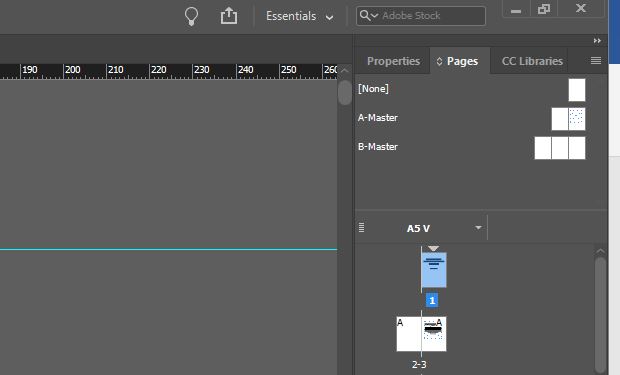
Master Pages for each image and text and for the Gatefold:
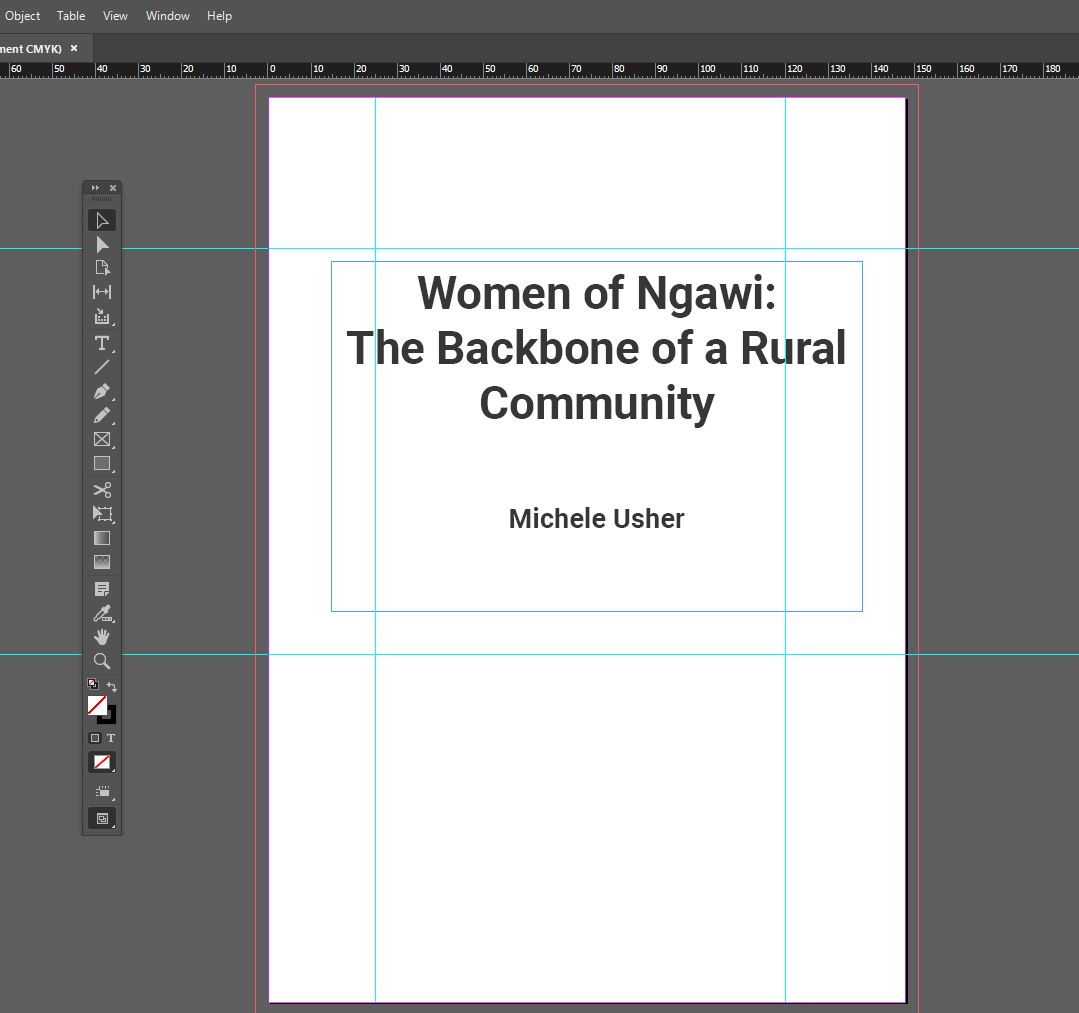
Initial first page:
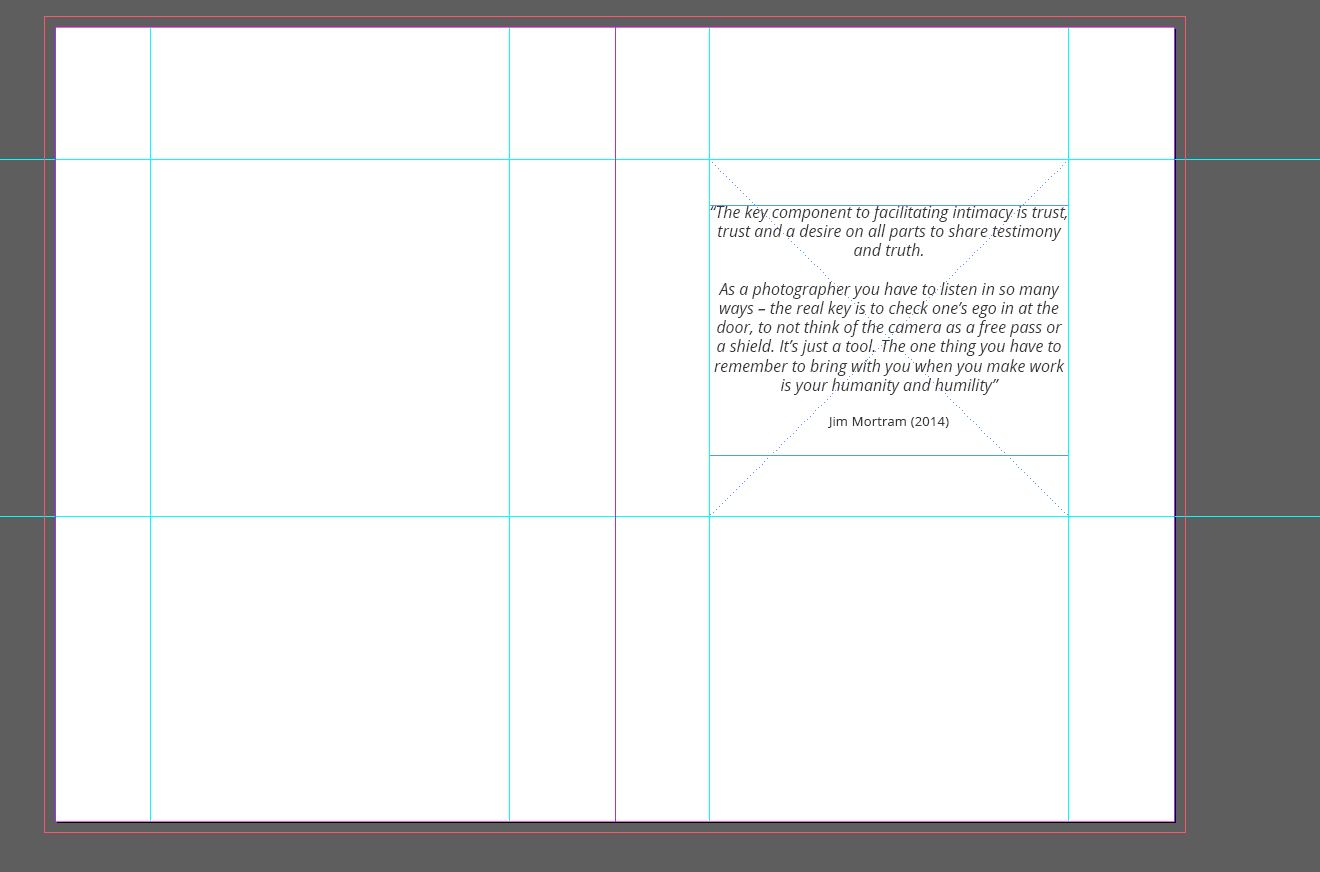
Inside front cover:
First Image page:
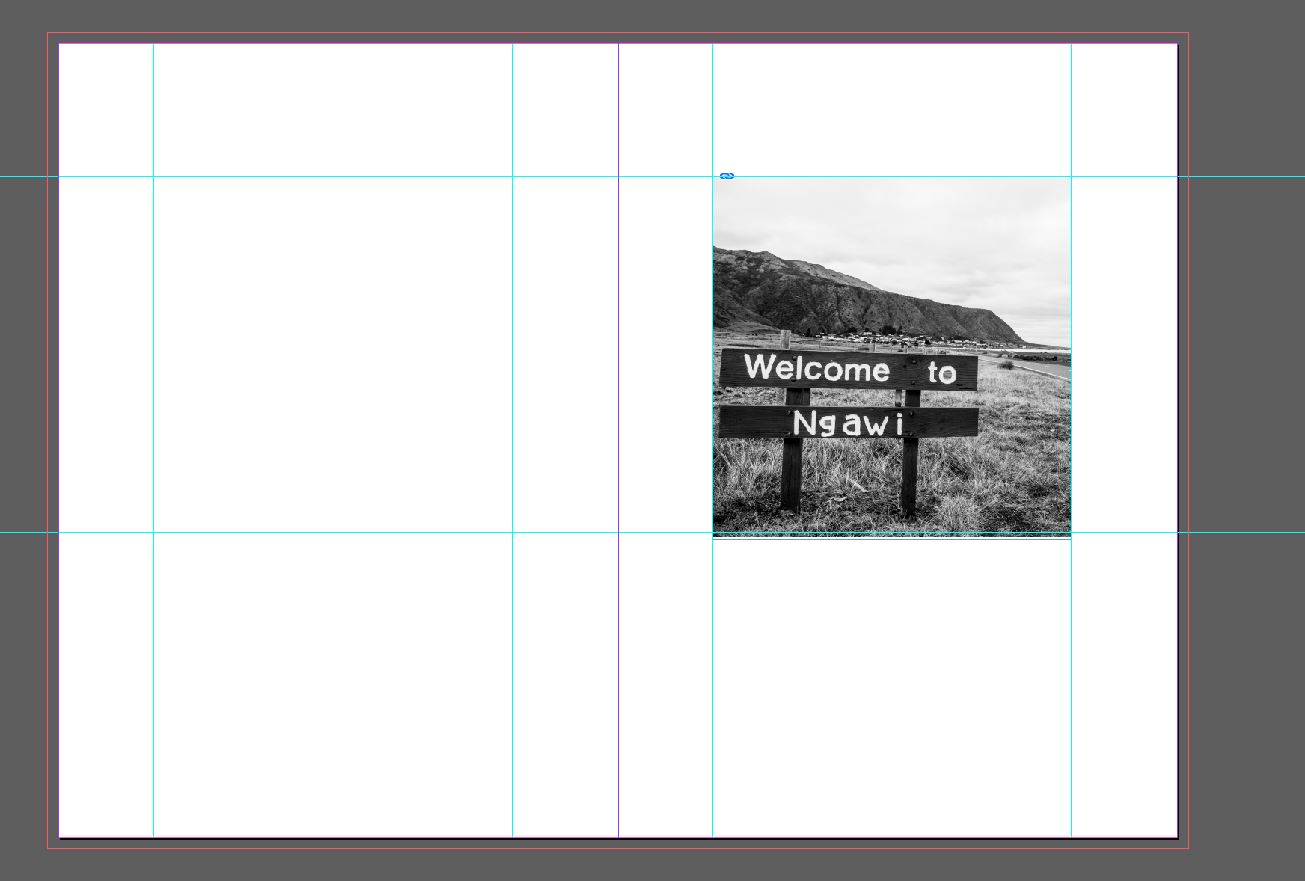
I wanted the images to be square and be situated on the right page only as this is the natural place for the eye to look as the page is turned.
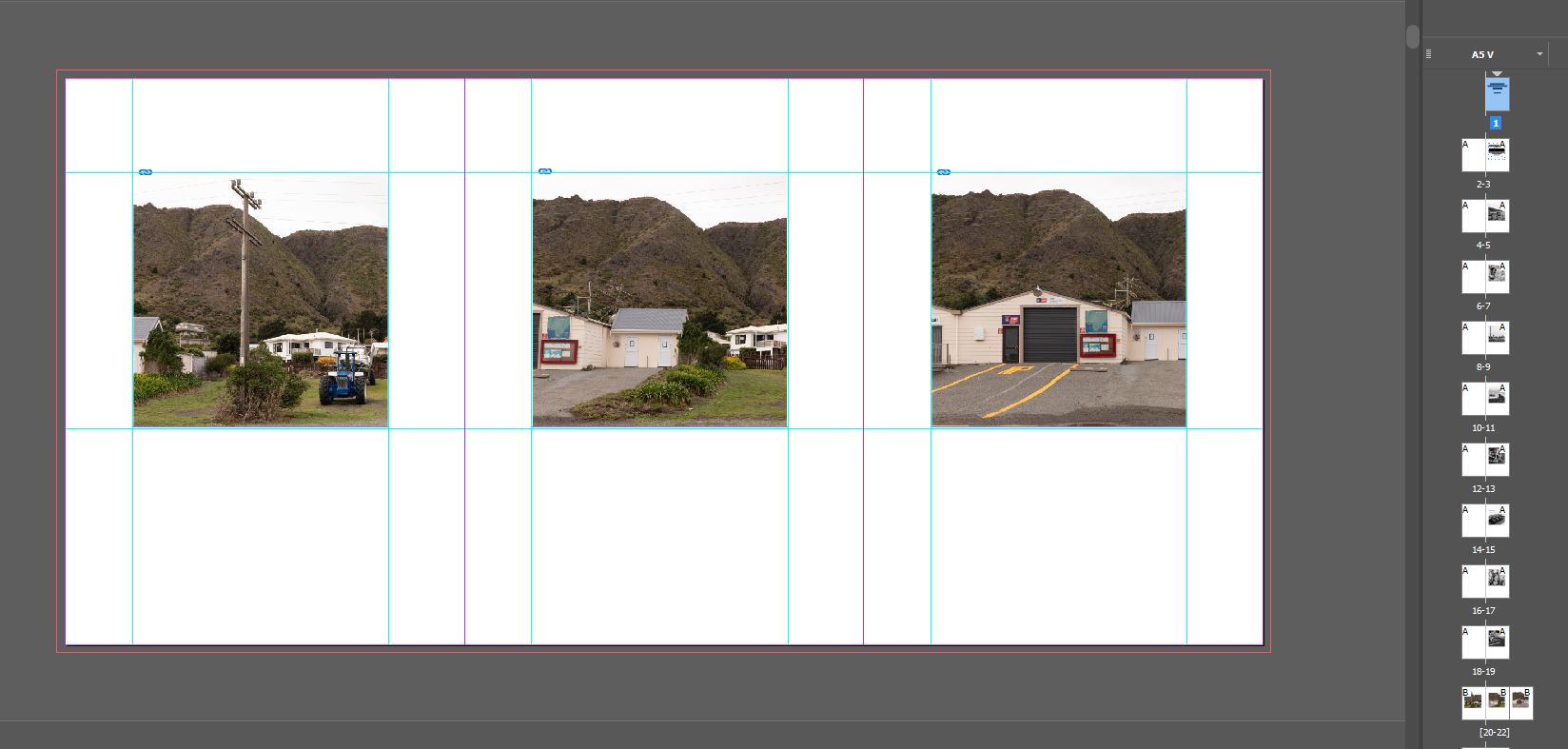
The Gatefold design. These were section breaks within the book before the images of each of my subjects. A title page was added to the back of the Gatefold to introduce each of the women:
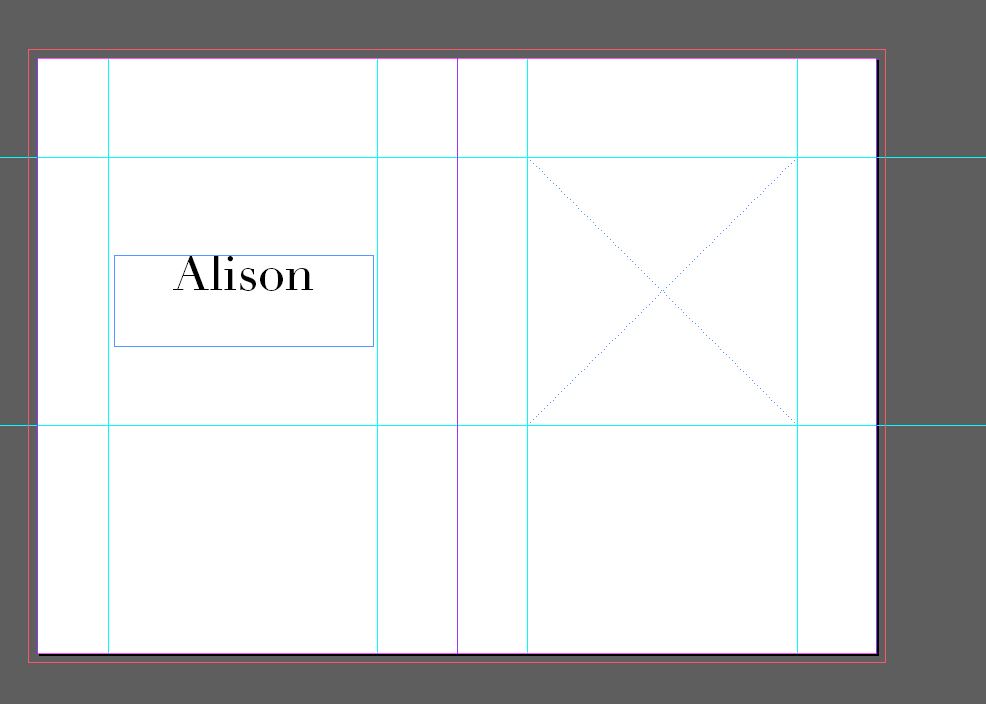
 Michele Usher